WHOI's Classic Seal
The Woods Hole Oceanographic Institution official seal has gone through many changes through the years. To celebrate and pay homage to our long history, the original seal will remain a brand element within our identity. This page shows the official seal to be used moving forward.
The seal should be used sparingly, and only within appropriate applications. The following are approved examples for use of the seal: business card, letterhead, formal invitations, diplomas/certificates, minimal use on other approved print or digital applications.
The seal can be downloaded here.

Seal application requirements
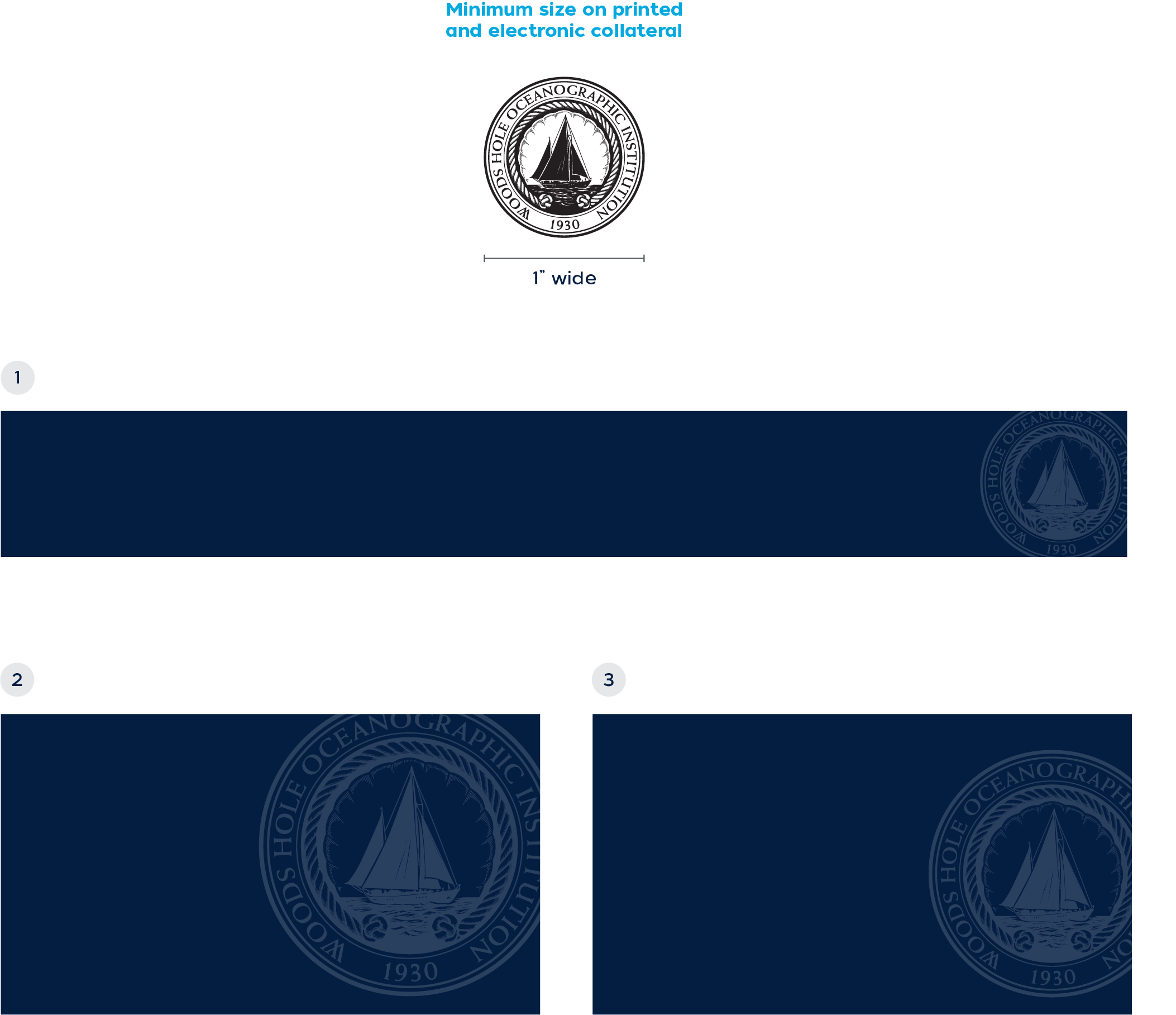
The seal should be used sparingly as a secondary element within the brand identity, only as a screened watermark (background texture) in appropriate applications. It may also be used, at full positive strength, in the “Classic” line of WHOI merchandise. The seal should not be reproduced in print or digital spaces any smaller than 1 inch wide. Any smaller and the legibility of the seal is compromised.
The seal may be cropped on its various sides to add interest to the layout and also reinforce its official “stamp-like” nature. There are three ways to crop the screened seal on materials. One, two, and three-sided crops give the flexibility to adjust the seal according to the layout. Each crop style is based on cropping the right side of the seal. The words ‘Woods Hole Oceanographic’ should always be visible, and the ketch illustration should never be cropped.
- three-sided crop
This example shows the seal at its minimum 1 inch size. Mastheads and footers are examples of smaller spaces in which the seal might be placed. Within a smaller space, it is recommended to crop the seal on three sides for maximum visibility. - two-sided crop
The seal may also be cropped at the top or bottom, along with the right side. This is recommended when overall space within a layout is not a concern. - one-sided crop
The seal may also be cropped just on the right side within a layout. This is the preferred crop and is recommended when more space is needed for other content within a layout.
NOTE: The minimum size of the seal may need to be larger depending on the print production limitations. For example, embroidery on hats, shirts, and other merchandise.
Seal color versions
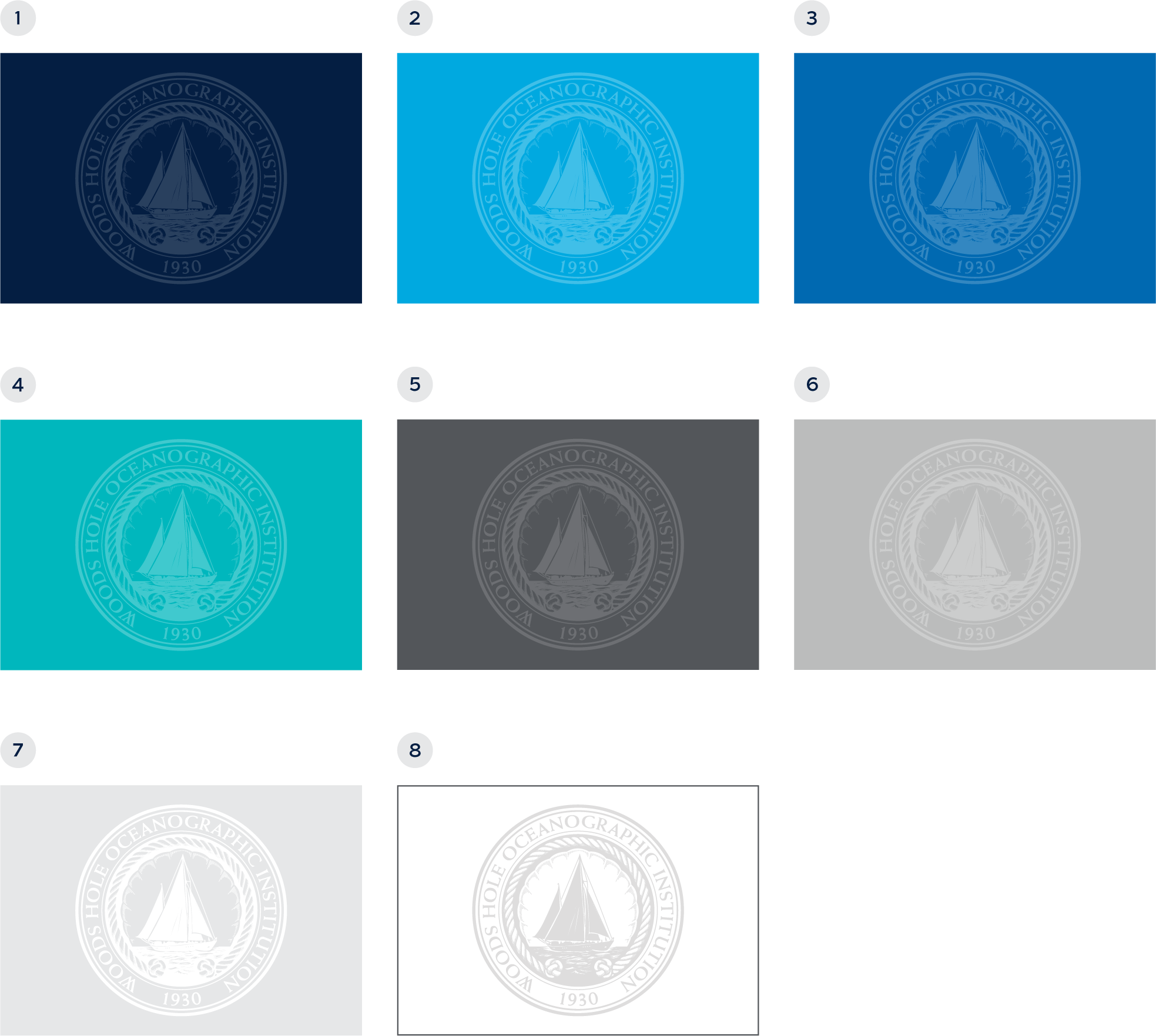
Screens for print or digital applications
When used, the WHOI seal may only be placed on the colors featured on this page. See below for guidance on color and opacities.
- white seal on a dark blue background (15%)
(opacity range 10-25%) - white seal on a bright blue background (25%)
(opacity range 20-30%) - white seal on a blue background (20%)
(opacity range 15-25%) - white seal on a green background (25%)
(opacity range 20-30%) - white seal on a dark gray background (15%)
(opacity range 10-25%) - white seal on a gray background (25%)
(opacity range 20-30%) - white seal on a light gray background (100%)
(opacity range 80-100%) - black seal on a white background (15%)
(opacity range 10-20%)
NOTE: The opacity of the seal can vary depending on the background color and overall size of the seal. Ranges are provided for flexibility to accommodate individual applications.
Seal color versions
Merchandise
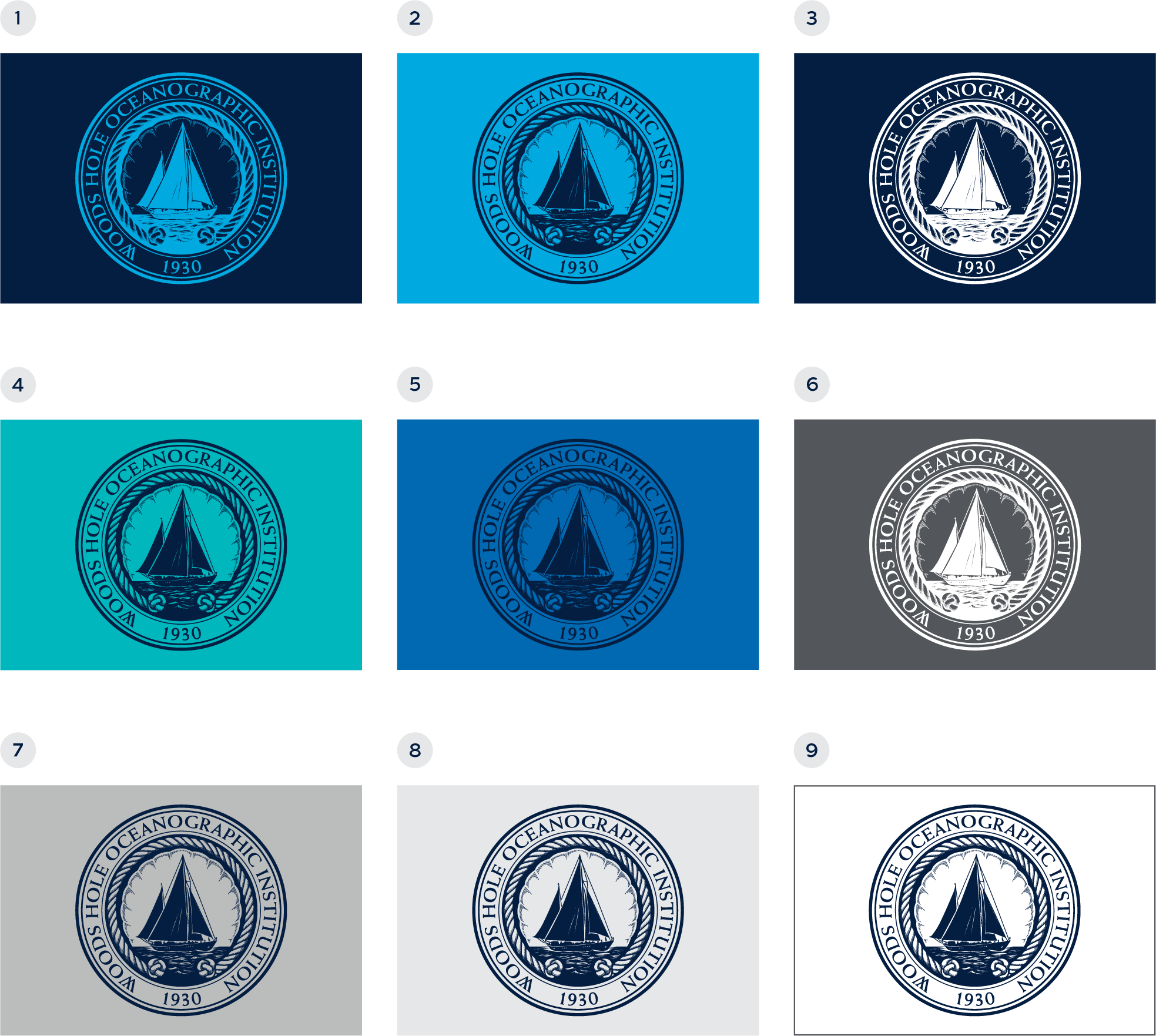
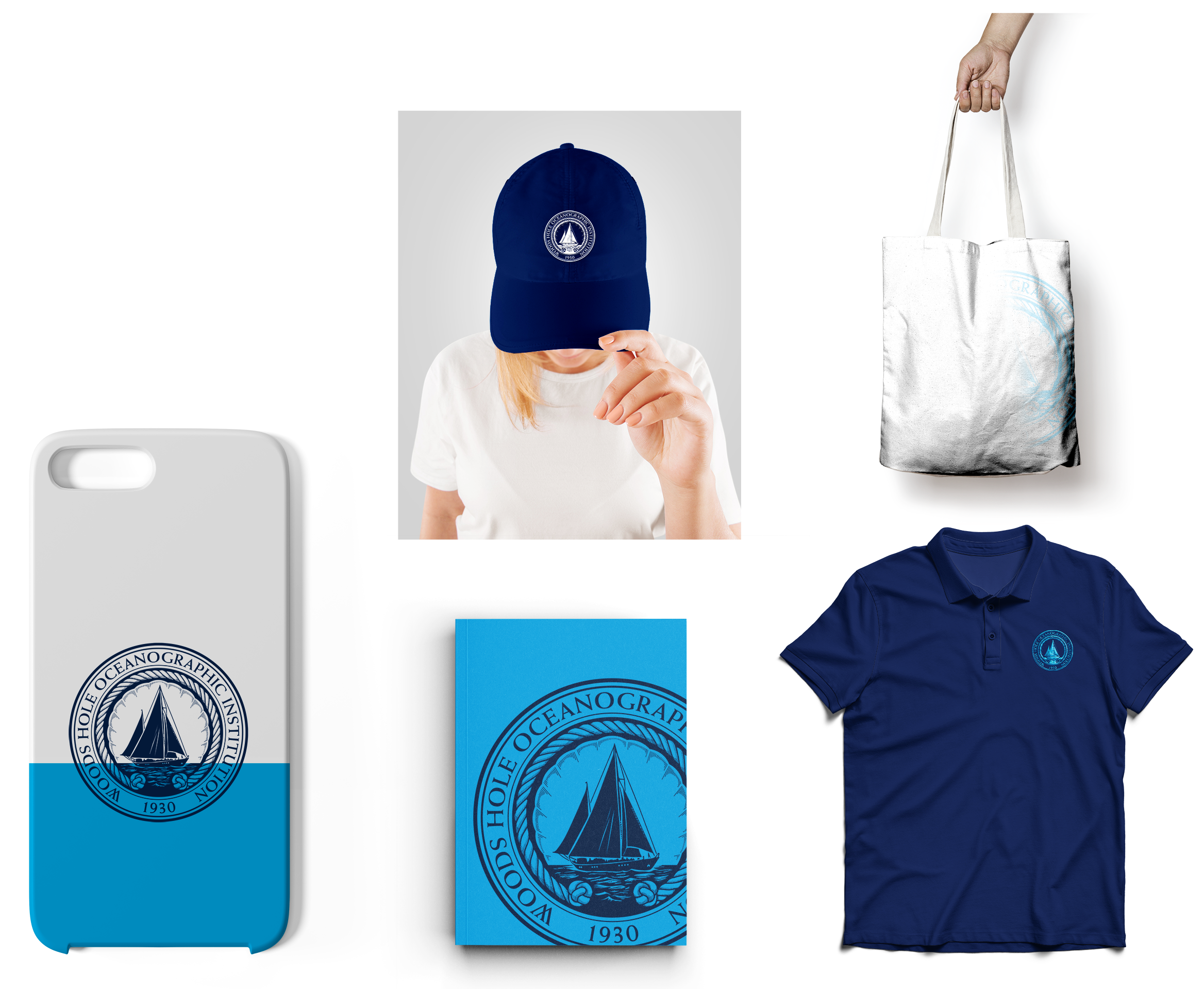
The colors shown on this page are recommendations for featuring the WHOI seal on the “Classic” line of merchandise. The seal may be used at 100% opacity on merchandise. For example:
- bright blue seal on a dark blue background
- dark blue seal on a bright blue background
- white seal on a dark blue background
- dark blue seal on a green background
- dark blue seal on a blue background
- white seal on a dark gray background
- dark blue seal on a gray background
- dark blue seal on a light gray background
- dark blue seal on a white background
NOTE: In regard to merchandise ONLY, the seal may be placed on other color backgrounds at the discretion of the WHOI creative graphics department.
Seal relationship to WHOI logo
The relationship between the WHOI seal and logo needs to have balance and appropriate spacing. As two graphical elements, the seal and logo can naturally take away from one another and distract the eye when used incorrectly.
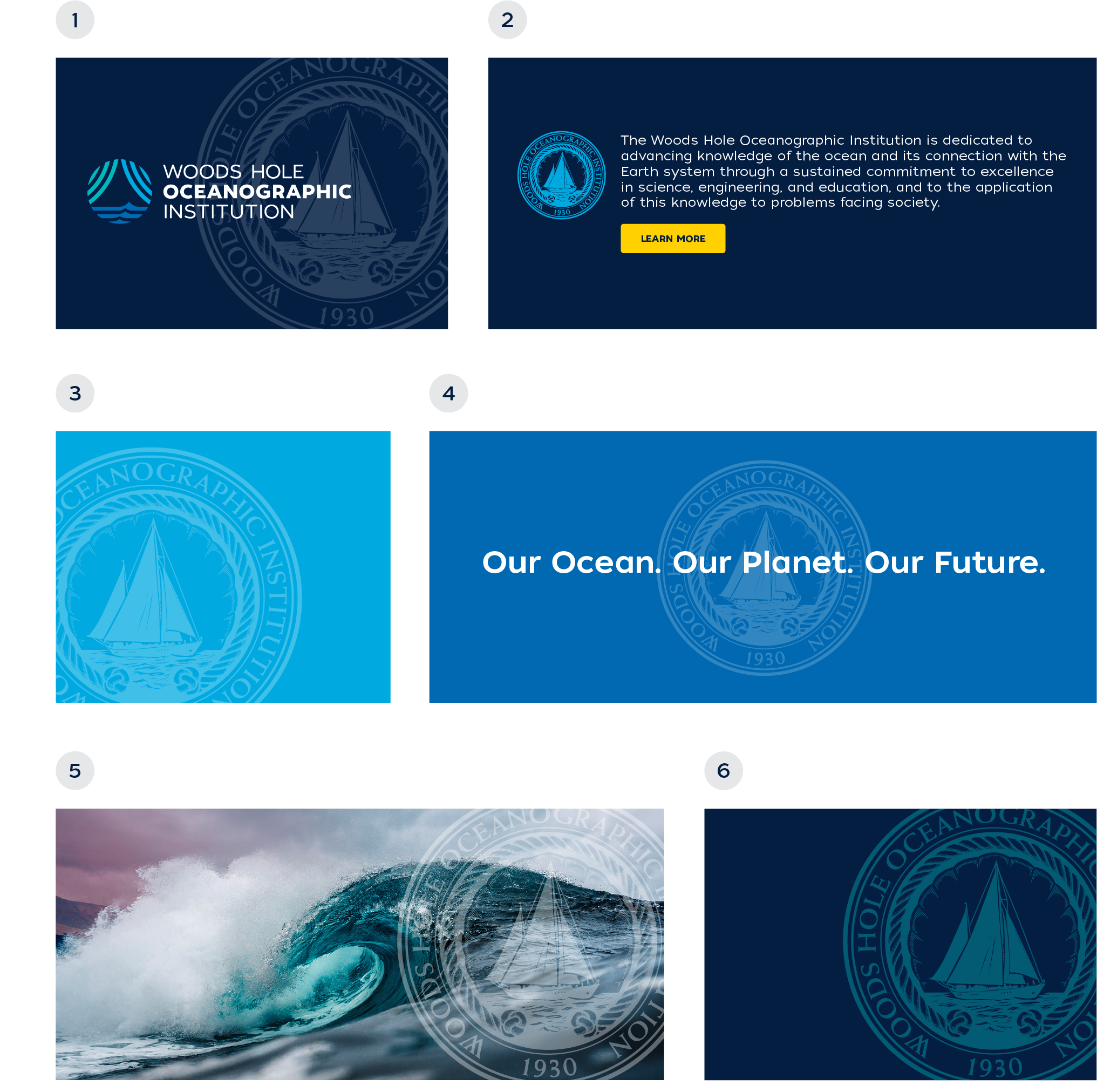
When used, the seal should only serve as a screened watermark brand element. This treatment allows the seal and logo to co-exist within most applications. The logo should never impede or be placed on top of the seal. Typography and photography (used sparingly) are the only content that may be placed on top of the seal. The examples below show acceptable relationships between the seal and logo.

Seal color usage
Print/digital
This page shows a few examples of how the seal’s color and screens could be used within materials, when appropriate.
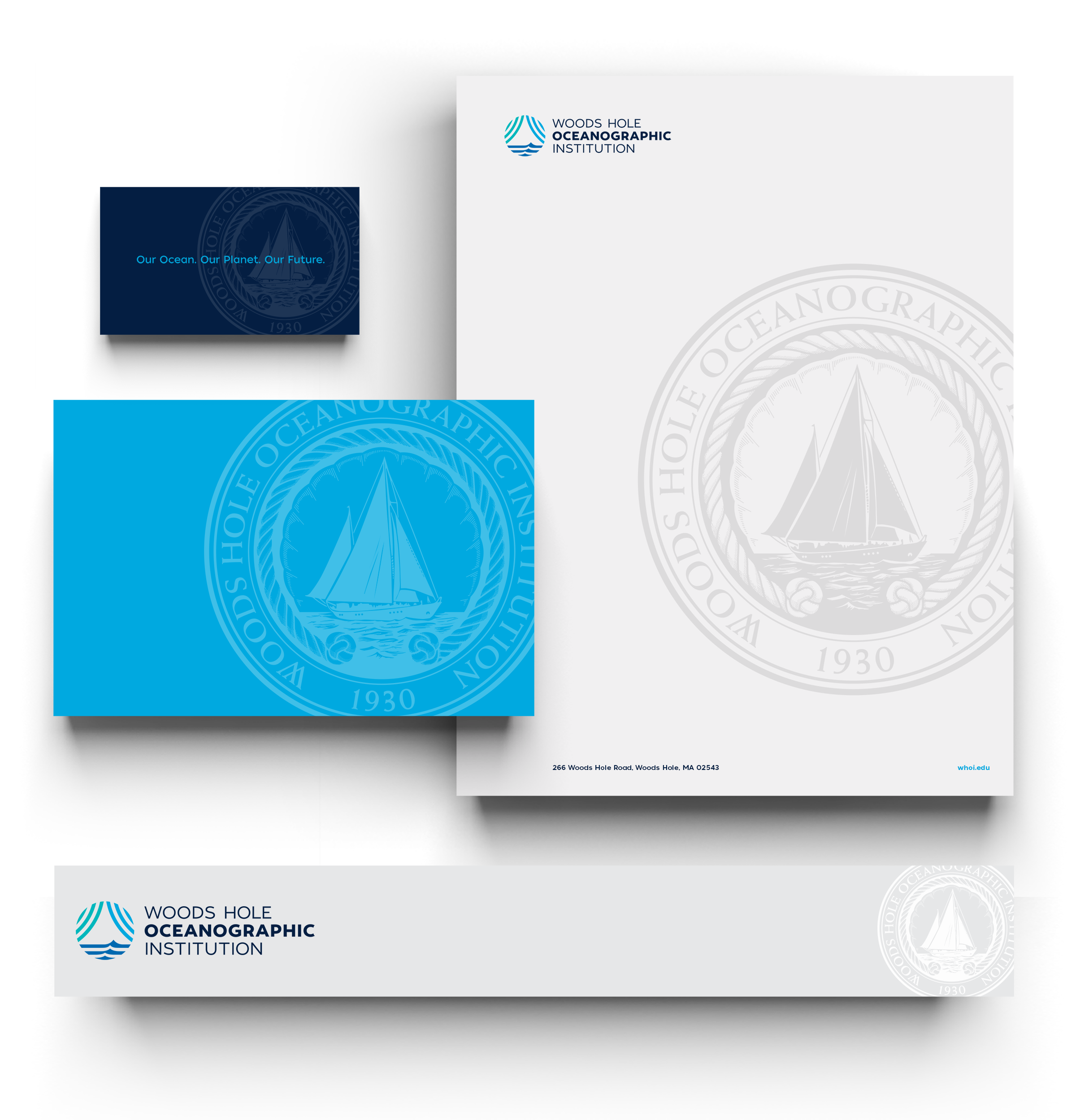
Seal Color Usage
Merchandise
Below are a few examples of how the seal’s color at 100% opacity could be used on the “Classic” line of WHOI merchandise.
Incorrect seal usage
The examples shown on this page are unacceptable uses of the WHOI seal.
- WHOI logo placed on the seal
The WHOI logo should never be placed on top of the seal as it becomes too busy and hard to read. - the Seal as full color icon or logo
The seal should never be used as a full color icon or logo in print or digital applications. This will cause brand confusion between the use of the new logo and original seal. - Incorrect crop of the seal
The seal should never be cropped in an unapproved format. - not cropping the seal
The seal should never float within a layout as it makes it too prominent, like a logo. - the seal on a photo
The seal should never be placed on a photo. The stamp-like feel and overall integrity of the seal is compromised when not placed on a flat color background. - Changing the seal color
The seal’s color should never be changed.