Logo color
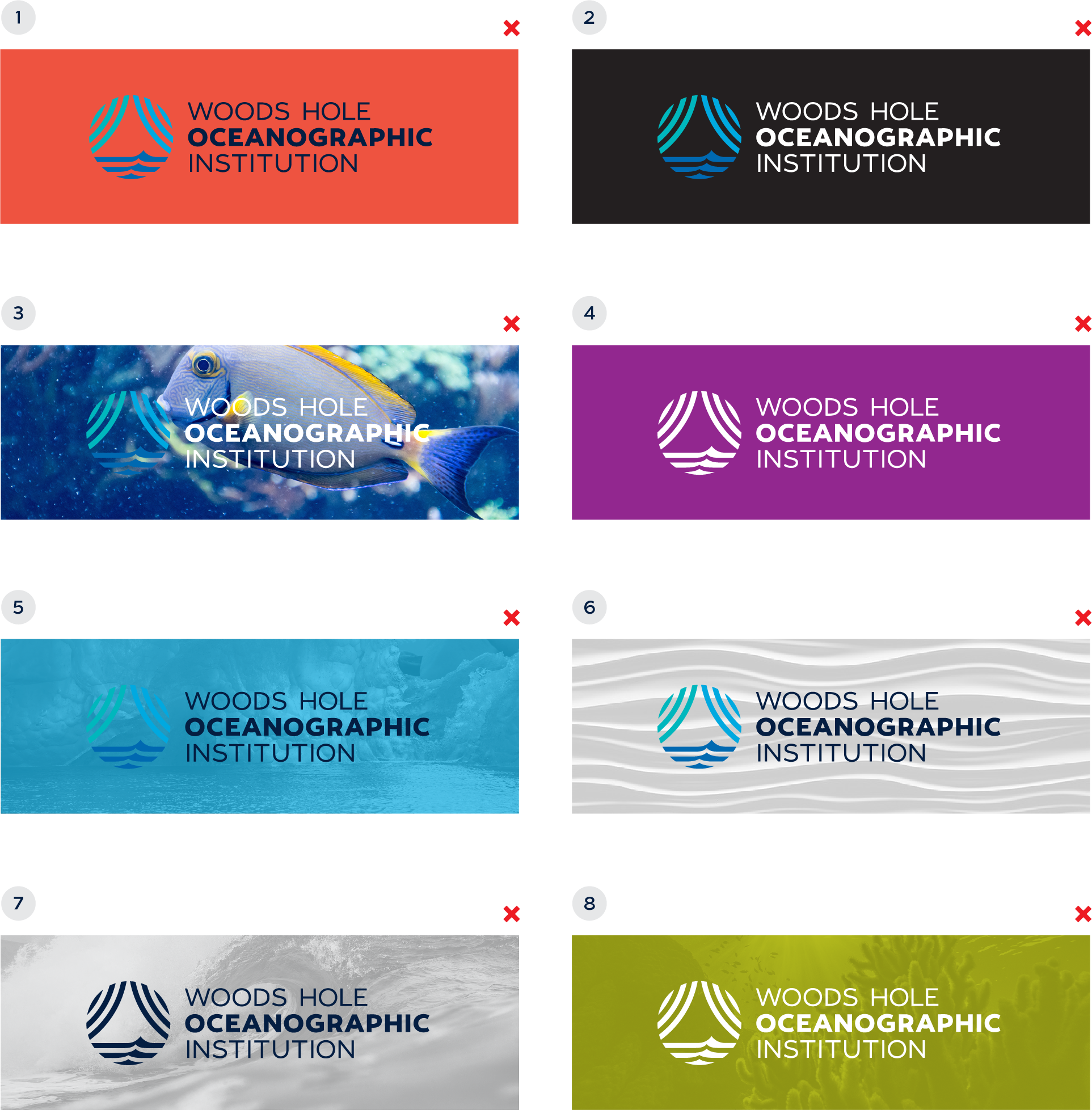
There are five color variations for the WHOI logo. See logo color usage for example background colors for each logo color, below.
- Logo with Dark Blue Type
This logo version should be used whenever possible on a white or lighter background. - Logo with White Type
This logo version should be used whenever possible on a darker background. - One Color Logo (dark blue)
The one color dark blue logo should only be used sparingly in print when one-color printing is necessary. Examples include screen printed t-shirts and letterpressed printing. - White Logo (knockout)
The white logo should only be used when the legibility of the full color logo is compromised. It can also be used as a knockout logo when one-color printing is necessary. Examples include screen printed t-shirts and letterpressed printing. - Black Logo
The black logo should only be used in printing when the production parameters do not allow for color.
NOTE: The color variations for each of the responsive logos are the same as the primary logo shown on this page. The same guidelines should be followed as outlined on this page and the following page.
Logo color usage
Acceptable backgrounds
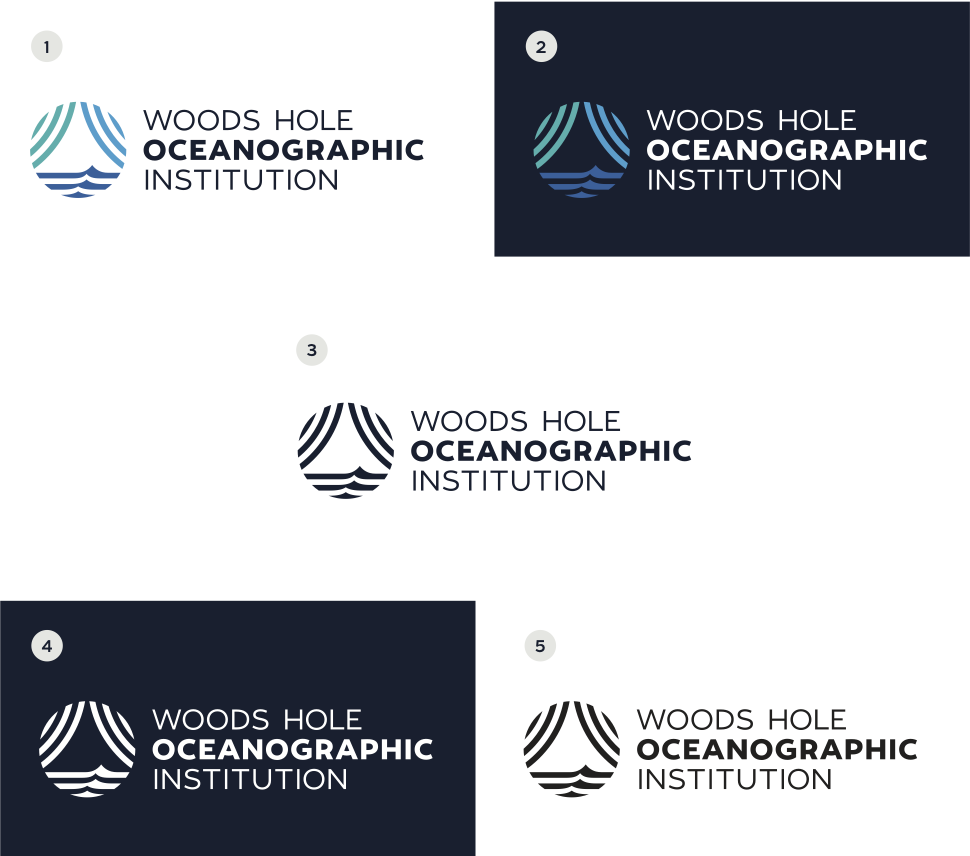
Below, we show examples of acceptable backgrounds on which to place the WHOI logo.
- logo on a white background
The logo with dark blue type may be placed on a white background. - logo on a light gray background
The logo with dark blue type may be placed on a light gray background or light gray toned photo background. - logo on a dark blue background
The full color logo may be placed on a dark blue background. - white logo on a dark gray background
The white logo may be placed on a dark gray background. - logo on a light photo background
The full color logo with dark blue type may be placed on a light photo background. Care should be taken as to not place the logo on a photo background that is too busy and may impede the legibility of the logo. - logo on a dark photo background
The full color logo with white type may be placed on a dark photo background. Care should be taken as to not place the logo on a photo background that is too busy and may impede the legibility of the logo. - logo on a toned photo background
The full color logo with white type may be placed on a brand primary color toned background. - white logo on a toned photo background
The white logo may be placed on a brand primary color toned background.
NOTE: See Photography section for more examples and guidelines on photo backgrounds.
Logo color usage
Unacceptable backgrounds
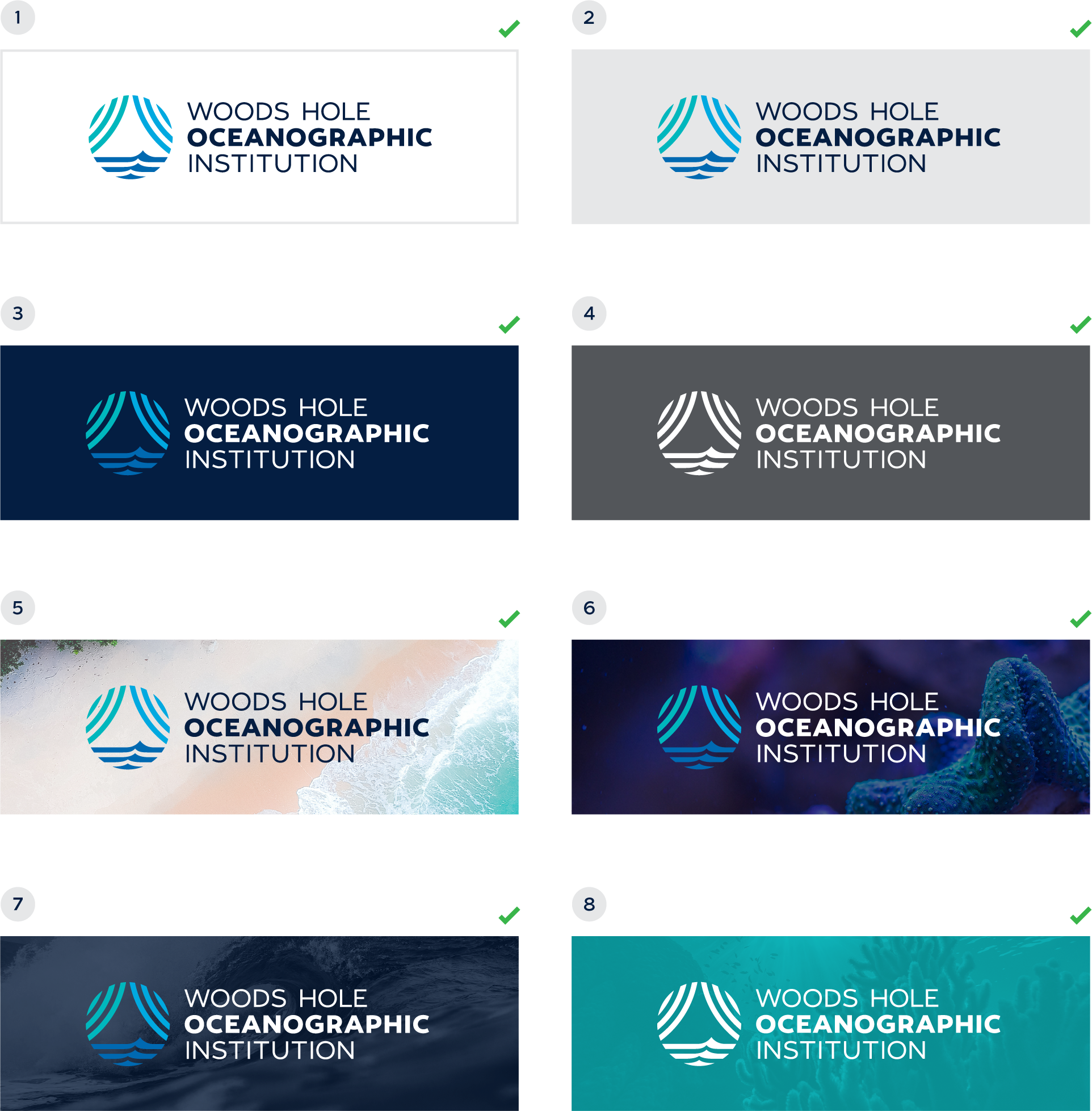
Below, we show examples of unacceptable backgrounds on which to place the WHOI logo.
- logo on a secondary color background
The logo should never be placed on the secondary orange or secondary green. - logo on a black background
The logo should never be placed on a black background. - logo on a busy photo background
The logo should never be placed on a photo that is too busy, causing the logo to be illegible. - white logo on a non-brand color background
The logo should never be placed on a non-brand color background. - illegible logo on a toned photo background
The logo should never be placed on a toned photo background where the contrast isn’t enough for the logo to be legible. - logo on a busy texture/pattern background
The logo should never be placed on a busy texture or pattern background. - one color logo on a toned photo background
The one color logo should never be used in place of the full color logo on web applications or when there are no printing limitations. - white logo on a secondary toned photo background
The white logo should never be placed on a secondary toned photo background.